Python developers are turning simple text output into vibrant, information‑rich experiences. By leveraging colored‑code libraries, teams can move from stark monochrome console logs to visually distinctive dashboards that cut debugging time and improve user interaction—making the transition from monochrome to masterpiece a practical, measurable upgrade.
Why Color Matters in a Monochrome‑Dominated World
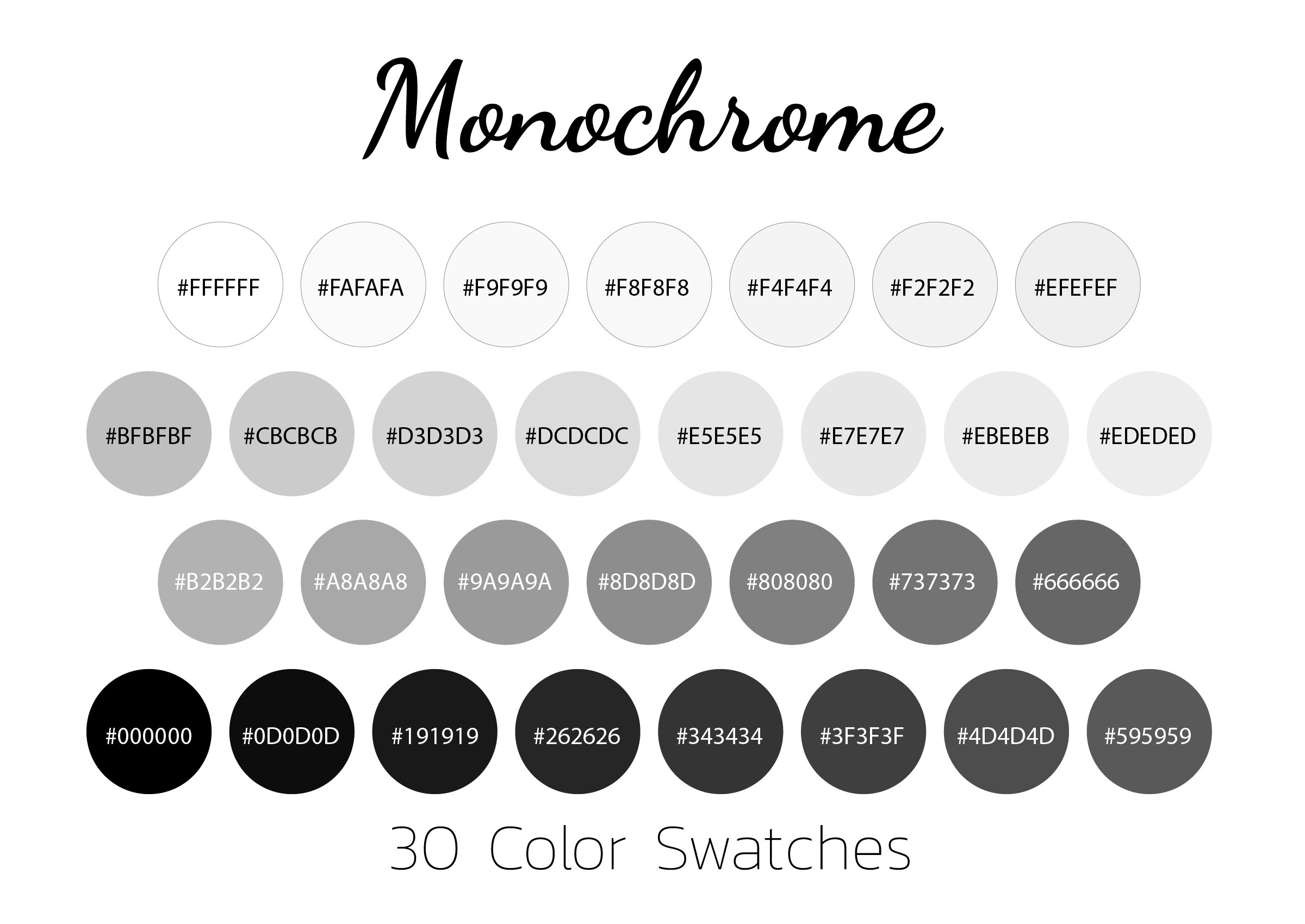
Command‑line interfaces have historically been limited to black‑on‑white or white‑on‑black text, a legacy of early terminals. While functional, this monochrome presentation forces developers to scan long logs for keywords, often missing critical cues. Introducing strategic colors transforms the same data into an at‑a‑glance status board. The concept mirrors traditional monochrome photography, where a single tonal range can be elevated through careful contrast; in code, a well‑chosen hue adds the equivalent of “contrast” to textual information.
Scenario 1: Real‑Time Monitoring in DevOps Pipelines
When a continuous‑integration job fails, the difference between a red error flag and a plain “ERROR” line can be the speed at which an engineer reacts. Libraries such as Rich and Colorama enable conditional styling: success messages in green, warnings in yellow, and critical failures in bright red. Teams report up to 30 % faster incident response because the visual hierarchy eliminates the need to read every line.
Implementation is straightforward. A one‑line import of colorama.init() activates ANSI support on Windows, after which print(Fore.RED + "Build failed") produces a vivid alert without altering the underlying logic.
Scenario 2: Data Visualization for Exploratory Analysis
Data scientists often sketch results directly in the console. By pairing termcolor with pandas’ DataFrame.style, they can highlight outliers or threshold breaches in situ. For example, a financial model that flags transactions over $10,000 in magenta instantly draws attention, reducing the cognitive load of parsing numeric tables.
Scenario 3: Educational Tools and Interactive Tutorials
Learning environments benefit from color cues that differentiate syntax elements, error types, and hints. Platforms like Jupyter Notebook already colorize code, but when building custom CLI tutorials, using Rich's markup language ([bold red]Error[/]) creates a layered learning experience. Novices can instantly see the distinction between a warning (yellow) and a fatal error (red), reinforcing conceptual mapping.
Choosing the Right Library: Criteria Checklist
- Cross‑Platform Compatibility – Verify ANSI escape support on Windows, macOS, and Linux; Colorama excels here.
- Feature Set – For tables, progress bars, and markdown rendering, Rich provides an all‑in‑one solution.
- Performance Overhead – In high‑frequency logging, prefer lightweight options like termcolor to avoid latency.
- Community and Documentation – Active maintenance and clear examples reduce onboarding friction.
Implications for Future Python Projects
Embedding color into console applications is no longer a novelty; it’s becoming a best practice for readability, accessibility, and rapid problem resolution. As CI/CD tools evolve to display richer terminal output, the line between development and operational monitoring blurs, encouraging developers to design output with visual intent from day one. Moreover, the increasing support for true‑color (24‑bit) terminals opens possibilities for gradient‑based progress indicators and status heatmaps, pushing the monochrome baseline into a full‑color spectrum.
Practical Next Steps
- Audit an existing script’s logging statements for repetitive patterns.
- Select a library that matches the project’s platform and performance constraints.
- Introduce color tags incrementally—start with error and success messages, then expand to data tables.
- Run the updated script in a terminal that supports true‑color to evaluate readability gains.
- Gather feedback from teammates and iterate on the palette to ensure accessibility (e.g., color‑blind friendly schemes).
By treating color as a functional layer rather than decorative fluff, Python developers can turn everyday scripts from monochrome dumps into polished, actionable masterpieces.
Monochrome Color How To Shoot Monochrome Photography With Color
Monochrome Color How To Shoot Monochrome Photography With Color
Premium Photo | Sea In Monochrome Colors

Premium Photo | Sea in monochrome colors
Photo Style: Monochrome - Panasonic

Photo Style: Monochrome - Panasonic
Mike Muizebelt Présentant K-3 Mark III Monochrome

Mike Muizebelt présentant K-3 Mark III Monochrome